
The developer experience with AI Agents is bad. Depressingly bad.
Long periods of waiting, rapid context switching and constant high cognitive load leave the developer either bored, tired or exhausted. Add on top of that the almost constant FOMO, the loss of flow state and decision fatigue from knowing which model to use and you have yourself one unhappy developer.
This Tweet from v0xium sums it up perfectly - "I am done with this shit. It is over. The state of engineering right now is horrible." Amen brother.
I'm yet to see a comprehensive workflow with AI Agents that satisfy the DevX as well as producing high quality code. There are some cool tools like Herdr that help you with your multi-agent workflow but cool tools can only take you so far.
How do we solve this? I believe the only way we're going to move forward is by sharing our experiences and learning from each other. I'm certain there is a good workflow out there somewhere, it's just waiting to be discovered.
So here is me sharing my current workflow in the hope it will either inspire or give rise to conversations where better ideas will come forth.
The workflow that I'm currently using (and somewhat enjoying) revolves around Git worktrees and the Zed editor. I use Zed for a number of reasons:
- It's easy to switch between agents.
- It's easy to switch between repos.
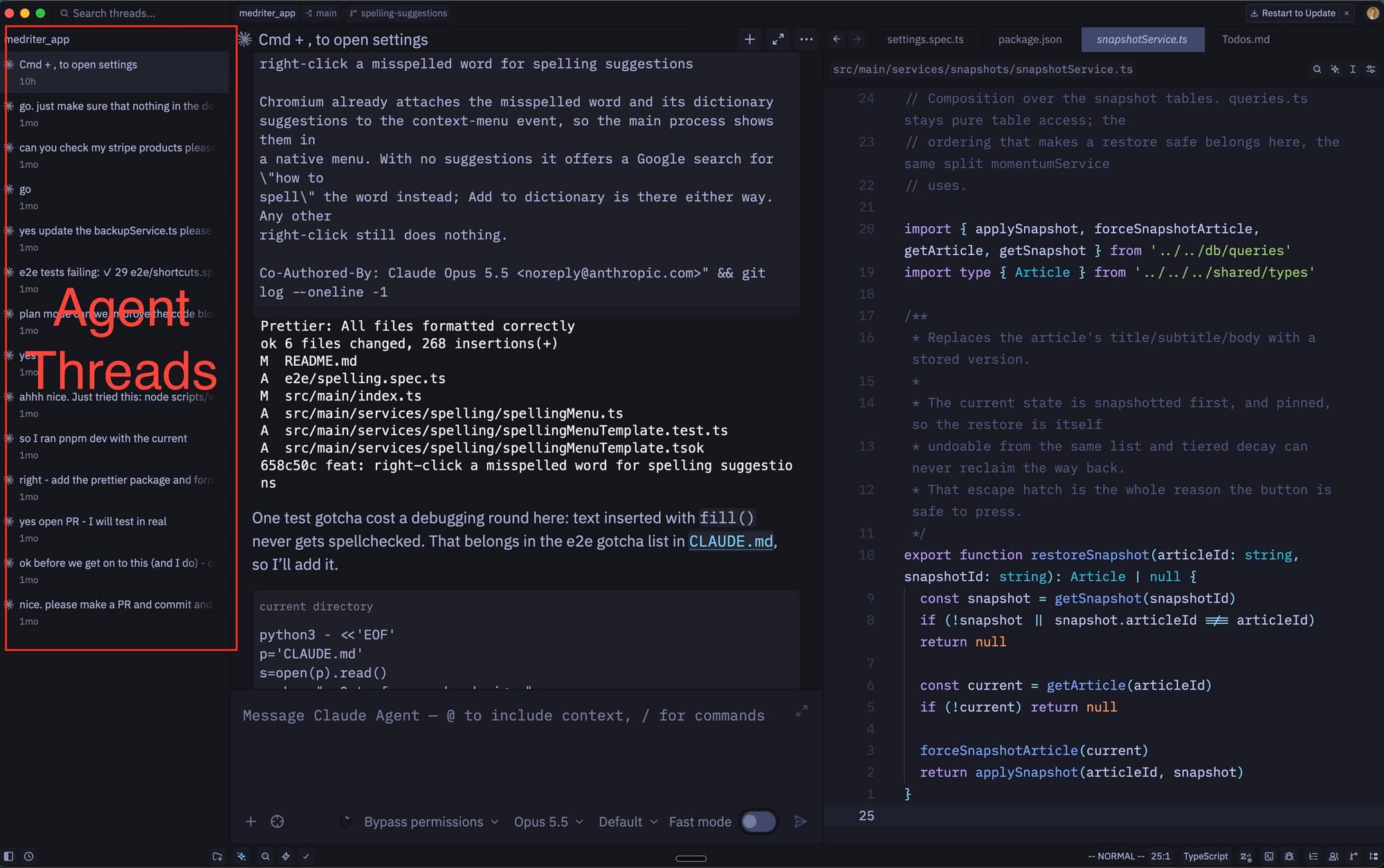
- It's easy to see all your agent threads.
- The chat window is a nice UX/UI.
- I still have access to the code.
One of the main complaints when working with AI Agents is the waiting around. You prompt your agent, send it off and then you wait. Just sitting around waiting for your agent feels horribly unproductive. The natural inclination is to start off the next task.
This is where Zed shines for me. I am using the Claude ACP in Zed. It allows me to use the Claude subscription but within a Code Editor. To kick off a new agent its just a simple case of cmd + n. Then you can write another prompt and send that agent off to do its thing.
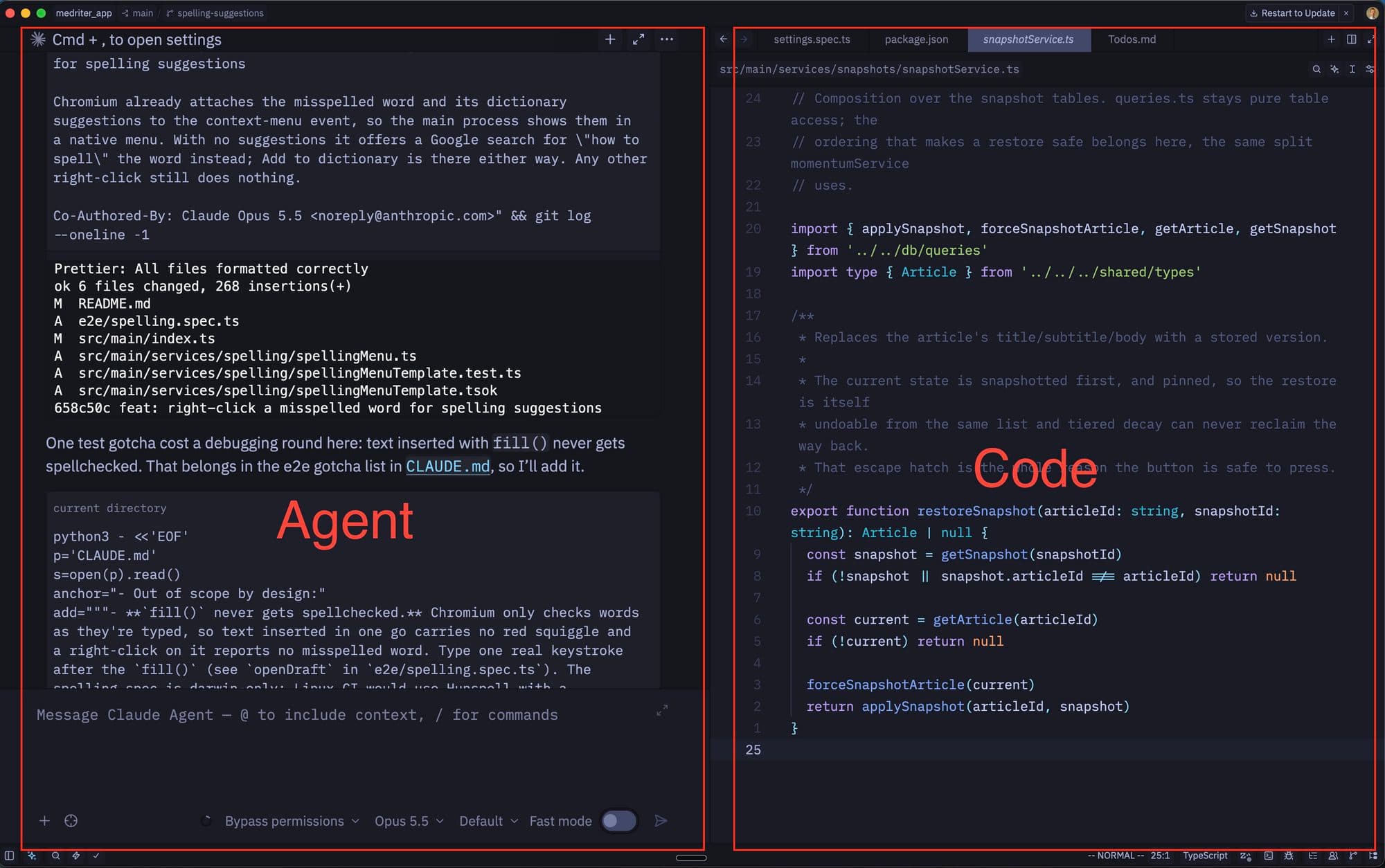
cmd + alt + j brings up the agent threads. This allows you easily switch between your different agent sessions. A little blue dot indicates when one agent is finished so you can go check its progress. There is no sound like Herdr but I still can't decide if the sound is a good things or not.
cmd + alt + o allows you to easily switch code repos. At work this is a 'must have'. I'm constantly switching between repos so having to open a new window every-time would slow me down significantly.
The stream of text coming back from the model flows nicely in the chat UI in Zed. It's easy to skim read and gives you a nice UI when the model asks you questions. I have found this easier to read and work with than the Terminal Claude code CLI.
Having access to the code is still important to me because I still don't feel comfortable not knowing the code changes that the agents are doing.
I have also found that if you tweak the code to your liking as you go then the AI picks up your good habits. Then further AI produced code in done in the general style of the overall codebase.
SKILLs
I use a number of skills. probably for me the best skill is the "/grill-me" skill. This skill I discovered from Matt Pocock. It's so simple but so effective. I use it pretty much on every task I work on whether it's a feature request, improvement, or bug fix.
This is the "/grill-me" skill.
When I start a task it looks something like this:
Then I just let the AI agent read the issue and come back to me with a bunch of questions to clarify any uncertainties via the "/grill-me" skill.
Which brings me to my next point.
Issues need to be REALLY well defined. I definitely spend more time up front these days writing clear specifications in tickets. In each ticket I put a description of the task, a list of requirements and a "DoD" - Definition of Done. I have a whole skill dedicated to the creation of issues and it helps keep things consistent.
Git Worktrees
I'm experimenting more and more with Git worktrees. When working with multiple agents at once, even just two, Git Worktrees become a necessity.
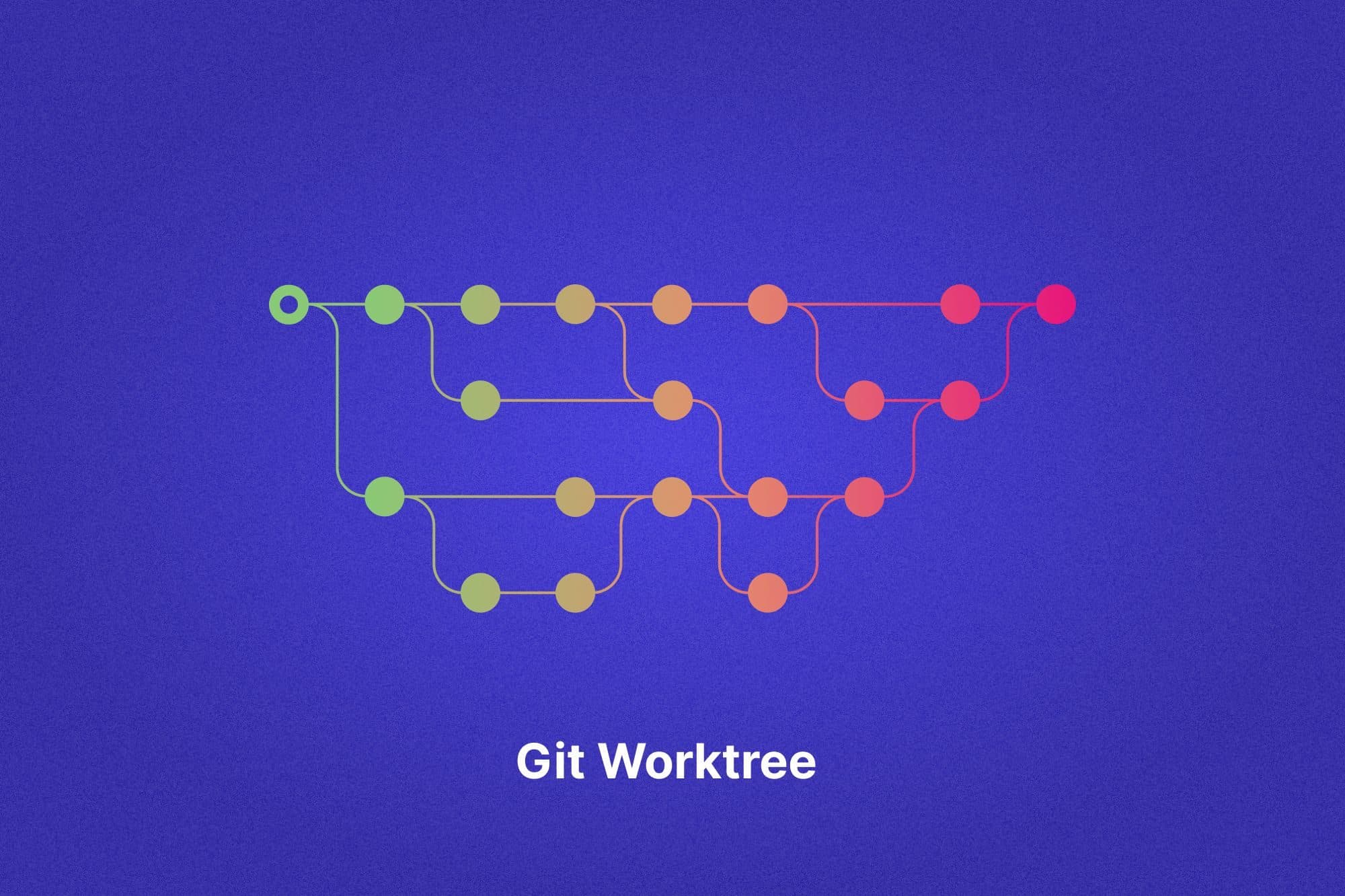
If you don't know what they are, then put simply, they let you check out several branches of the same repo into separate folders at once. This is why they're so well suited for working with agents. It allows the agents to work in parallel on the same codebase without them trampling over each others work.
Whilst this approach allows you to run multiple agents at once, it does get quite confusing quite fast in terms of viewing the changes in the app. If you have 6 agents running at once and they're all changing code on the same app then seeing previews can be tricky. You need to make sure they run on separate ports, they aren't overriding each others data and then you have to deal with more merge conflicts.
It's not impossible but it does bring extra complexity to the developer which needs to be dealt with. I'm yet to reach a satisfactory solution with this. It's all a bit clunky at this time.
Context Switching

Context switching seems to be something you have to accept if you want to work with LLMs. This is something I have really needed to get used to. To fix it relies on 'discipline' which is far from a perfect strategy. Let's just say some days are better than others.
This is a painful lesson I've learnt over time. When I was spinning 6 or 7 agents at once I would miss important details. These often came back to bite me. There was a time when the LLM did a migration and added a field to the wrong table. I missed it and only later realised I had data saving to the wrong table. Not the worst thing to happen but it required a bunch of extra time to clear up the mess.
Nowadays, I pay much more attention to what the LLM is doing and to the specific details. This has a couple of benefits:
- It's less likely the LLM will go off your intended course.
- You're much more aware of the implementation details which serve you well in future decisions.
With going slower there is also the added benefit that you're not exhausting yourself everyday. Going at 100mph everyday is not sustainable. You can't sprint a marathon (unless you are Sabastian Sawe!) so you need to pace yourself. I intend to be in this game for a while and this approach allows me to do that.
Conclusion
Major change has been thrust upon the software world during the last couple of years. Everyone is still working out how best to work with these powerful new tools we suddenly have access to.
Some people, like DHH, seem to be flying whilst others, like the tweet I shared from v0xium, seem to hate this new world we find ourselves in.
I find myself flipping between the two. Some days I love AI and some days I find it all quite depressing. I am finding the days where I like AI growing in number though. I think this new workflow coupled with the general sense that AI development is slowing have helped with this.
This workflow I use certainly isn't the finished article. I still struggle managing all the text the LLMs produce, I didn't even touch on code reviews and the flow-state disappearing is still a major issue.
However, I am feeling more optimistic right now than I have in about 6 months. When the land stops shifting beneath your feet you can start building again with a bit more certainty. I feel a sense of hope. I think a human being can only deal with so much change at once.